Follow these steps to resolve the problem
StartOpen Commerce Server Manager
Expand CommerceServerManager
Global Resources-->Profiles
Profile Catalog-->Data Sources
For each data source Expand the Data Source and Select the Partitions Tree Item
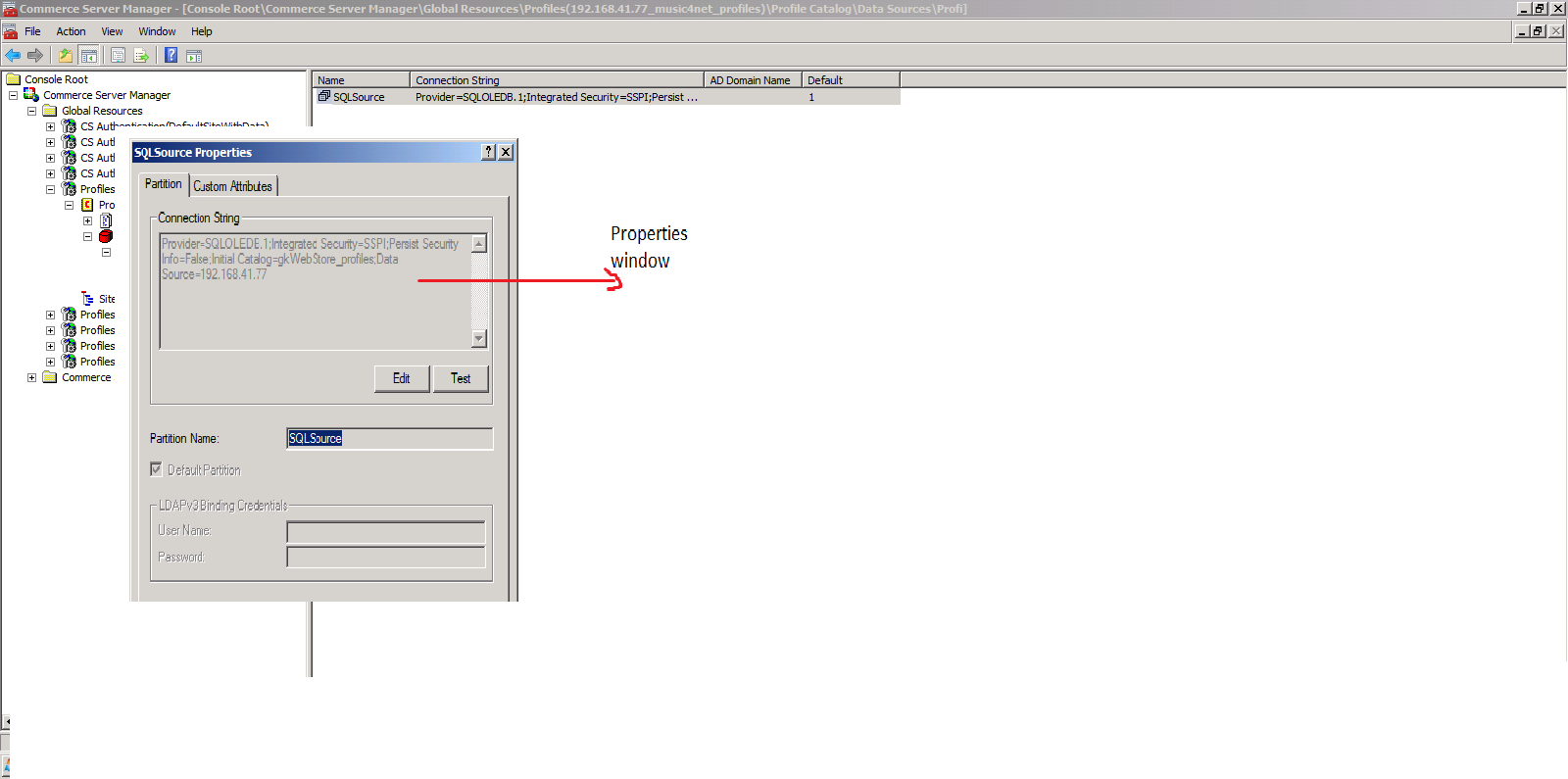
Right Click on the partitions listed in the right panel and select properties
Press the Test Button to ensure Database connectivity.
Profile Resource Connection Strings
Open Commerce Server Manager
Expand CommerceServerManager-->Global Resources-->Profiles
In the right panel you will see 3 connection strings right click on one and select properties
Press the Modify... button and Test Connection button for the 3 connection string to see if they are correct
Friday, May 14, 2010
Monday, April 5, 2010
Copying dll from GAC
Recently i have faced one problem that is copying one of the dll from GAC.
.But we can not copy directly from GAC .Finally i have achevied this way .
Goto Start -->Command prompt
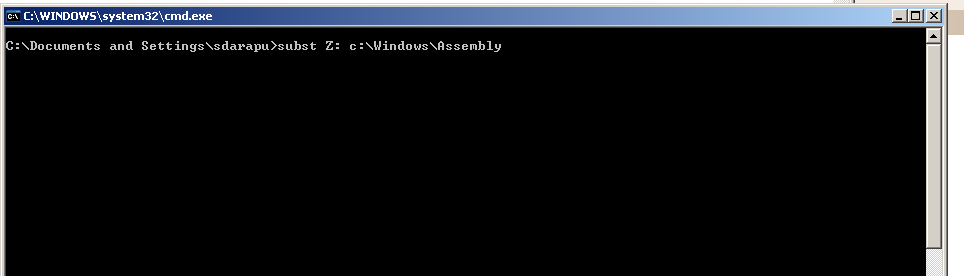
Type in Command Prompt --> subst Z: c:\Windows\Assembly
Click on enter
Note: subst is a command which creates a virtual drive
The abouve syntax creates one virtual drive "Z" and copy all dlls from GAC
-->Now you can go to Z: drive and copy your rerquired dll
.But we can not copy directly from GAC .Finally i have achevied this way .
Goto Start -->Command prompt
Type in Command Prompt --> subst Z: c:\Windows\Assembly
Click on enter
Note: subst is a command which creates a virtual drive
The abouve syntax creates one virtual drive "Z" and copy all dlls from GAC
-->Now you can go to Z: drive and copy your rerquired dll
Subscribe to:
Posts (Atom)